01SUBSCRIPTION
1 month
A flexible starting point
€17
per selected term
Ask about this plan
ENTERTAINMENT, MADE SIMPLE
Sphere IPTV helps you explore streaming options for the screens you already use. Find a plan, check compatibility, and get guidance from our support team.
Questions before you start?
We're here to help you choose.

A simpler way
to get started.
Choose your term
Compare four straightforward plans.
Check your setup
Ask about your device and connection.
Get guidance
Talk to us when you need a hand.
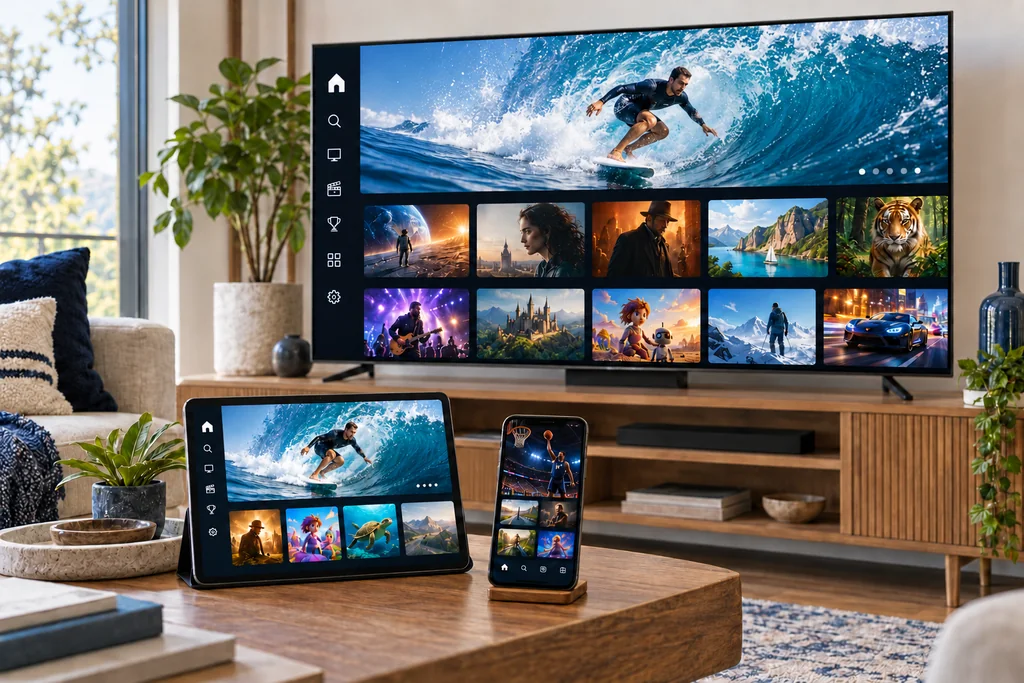
YOUR SCREEN, YOUR ROUTINE
Big screen in the living room or a smaller screen close by? Start with the device you prefer. We can help you understand the setup requirements before you choose.
Compatibility depends on your device, app and setup. Ask us to confirm yours.
A PLAN THAT FITS
Choose the length that works for you. Contact us to confirm availability, payment details and any conditions before ordering.
A flexible starting point
per selected term
Ask about this planA little more time to settle in
per selected term
Ask about this planFor a longer viewing routine
per selected term
Ask about this planOur longest listed term
per selected term
Ask about this planAll prices are in euros. Confirm what is included and the applicable terms with support before purchasing.
FIND YOUR KIND OF ENTERTAINMENT
From a live programme to a film night, different moments call for different viewing. Ask us about the current, licensed selection available to you before subscribing.
Explore live viewing options and ask about the channels available in your location.
Ask about films and series in the current on-demand selection.
Check the current sports offering and availability with our team.
FROM QUESTIONS TO YOUR SCREEN
There’s no need to have every answer first. Tell us what you use and we’ll help you find the next step.
Share your device model and where you plan to use the service so we can check compatibility and availability.
Compare the terms and confirm the current offer, payment and conditions with our team.
Use the setup guidance provided for your device. If you get stuck, contact support with the details.
REAL QUESTIONS. CLEAR ANSWERS.
Not sure which plan to choose or whether your device is compatible? Send us a message. Include your device model and your question so we can help you find the right information.

GOOD TO KNOW
A few useful answers to help you make an informed choice.
Sphere IPTV is a streaming subscription service. Contact us for the current offer, licensed content selection and availability in your location.
Options may include a smart TV, Android device, Apple TV or Fire TV Stick. Compatibility depends on the model and app, so check with us before ordering.
A stable broadband connection is important. The bandwidth you need depends on video quality, your device and other activity on your network.
Compare the four subscription lengths above, then contact us to confirm what is included, payment details and the terms that apply.
Yes. Contact support with your device model and a description of the issue. Please avoid sharing passwords or payment information in a message.
LET'S MAKE IT EASY
Start with a question, or find the plan that feels right for you.